
User Interface
Create User Account Page
Use the Create User Account page to create an user account to have access to SmartStruxure Registration Portal.
Ensure that you have noted the System Identifier from Registering Your System Offline window after logging into an offline Building Operation system.
However, System ID component is not available when you are creating user account for an online system.
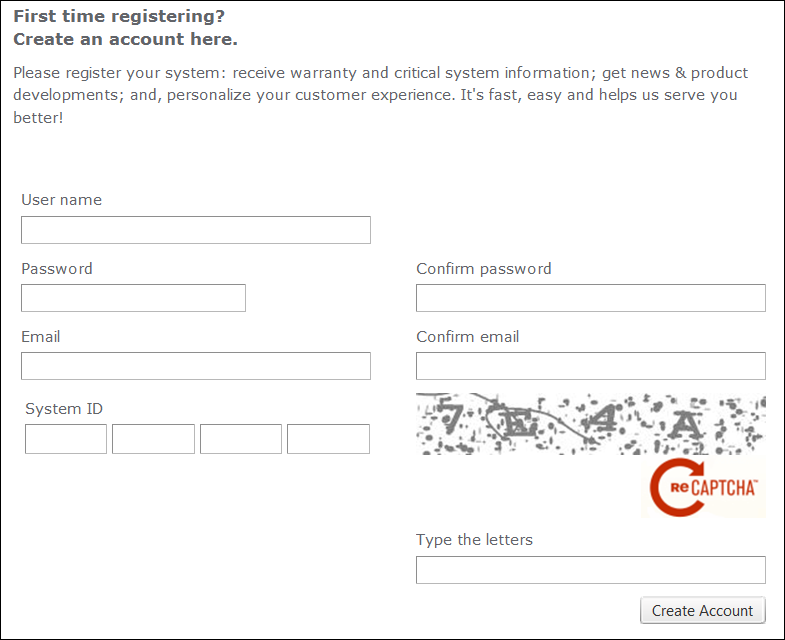
Component | Description |
User name | Type the user name. |
Password | Type the password. |
Confirm password | Type the password again. |
Type the email of the user. | |
Confirm email | Type the email again. |
System ID | Type the System ID in case you are registering the offline system. |
ReCAPTCHA | Click to regenerate the code if required. |
Type the letters | Type the ReCAPTCHA characters. |
Create account | Click to create user account. |