Log on to rate and give feedback
1
2
3
4
5
Log on to rate
0

User Interface
Products:
AS-P-3, AS-B, Edge Server, Enterprise Central, Enterprise Server, AS-P, Virtual Project Servers
Functionalities:
Basic Functionality
Product version:
7.0, 7.1
10/30/2025
Alarm View Properties
Use the Alarm View properties to configure and view the general and object references properties. For more information, see General Information Properties – Basic Tab .
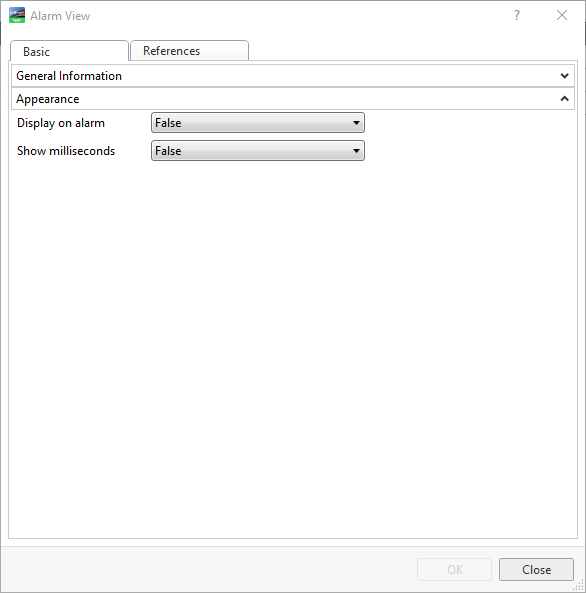
Figure:
Alarm properties
|
Property |
Description |
|
Display on alarm |
Select True to to automatically open and display the attachment when the alarm is going from Normal to Alarm state.
|
|
Show milliseconds |
Select True to display the alarm timestamp in milliseconds. |
General Information Properties – Basic Tab
 Alarms Overview