
User Interface
WebHelp Menu
Use the WebHelp menu to navigate to the help information you are looking for.
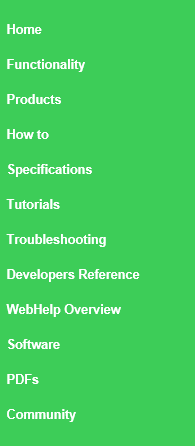
|
Command |
Description |
|
Home |
Click to open the WebHelp Home page. For more information, see WebHelp Home Page . |
|
Functionality |
Click to open the Category page where the topics are categorized to the EcoStruxure BMS functionality. For more information, see WebHelp Functionality Category Page . |
|
Products |
Click to open the Category page where the topics are categorized to the EcoStruxure BMS products. For more information, see WebHelp Products Category Page . |
|
How to |
Click to view all how-to topics, which guide you through a specific task step by step. |
|
Specifications |
Click to view product specification topics, with features and technical specifications. |
|
Tutorials |
Click to view all tutorials, which guide you through an example task. For more information, see Content . |
|
Troubleshooting |
Click to view troubleshooting topics that may help you solve EcoStruxure BMS problems. |
|
Developers Reference |
Click to view technical reference information intended for developers and support staff. |
|
WebHelp Overview |
Click to view information on how to use WebHelp. |
|
Software |
Click to open Schneider Electric Exchange download center where you can download the EcoStruxure Building Operation software. |
|
PDFs |
Click to open Schneider Electric Exchange download center where you can download the EcoStruxure BMS product information in PDF format. |
|
Community |
Click to open Exchange Community where you can read and share information about EcoStruxure BMS. |
WebHelp Home Page
WebHelp Functionality Category Page
WebHelp Products Category Page
 Content