Log on to rate and give feedback
1
2
3
4
5
Log on to rate
0

User Interface
Products:
AS-P-3, AS-B, Edge Server, Enterprise Central, Enterprise Server, AS-P, Virtual Project Servers
Functionalities:
Alarms
Product version:
7.0, 7.1
10/30/2025
Create Alarm Wizard – Attachment Page
Use the Attachment page to add attachments to an alarm or an alarm decoration.
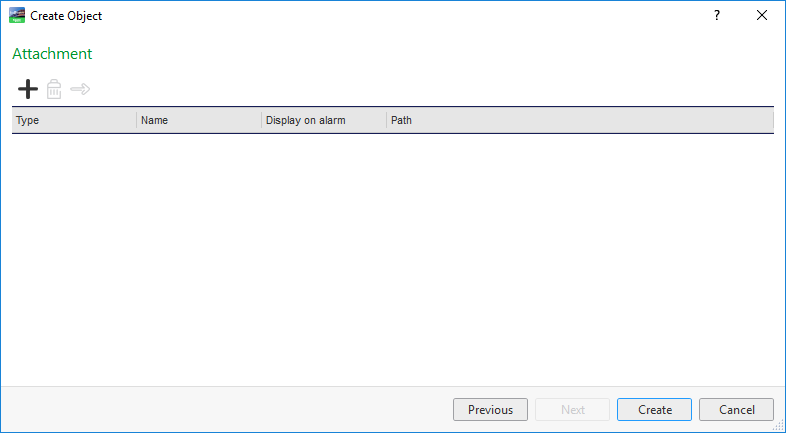
Figure:
Attachment page
Property | Description |

| Add attachment Click to add an attachment to the alarm decoration rule. For more information, see Alarm Attachment . |

| Remove attachment Click to remove the selected attachment from the alarm decoration rule. |

| Navigate to Click to open the attachment that is selected in the attachment list. |
Type | View the object type of the attachment. |
Name | View the name of the attachment. |
Display on alarm | Select to display the attachment when the alarm is going from Normal to Alarm state. |
Path | View the path of the attachment. |
 Alarm Functions
Alarm Decoration
 Create Object Wizard – Naming the Object Page
Create Alarm Wizard – Presentation Page
Create Alarm Wizard – User Action Page