Log on to rate and give feedback
1
2
3
4
5
Log on to rate
0

User Interface
Products:
WebStation
Functionalities:
Dashboards
10/30/2025
Event Sankey Chart Dialog Box
Use the Event Sankey Chart dialog box to configure and edit an event Sankey chart.
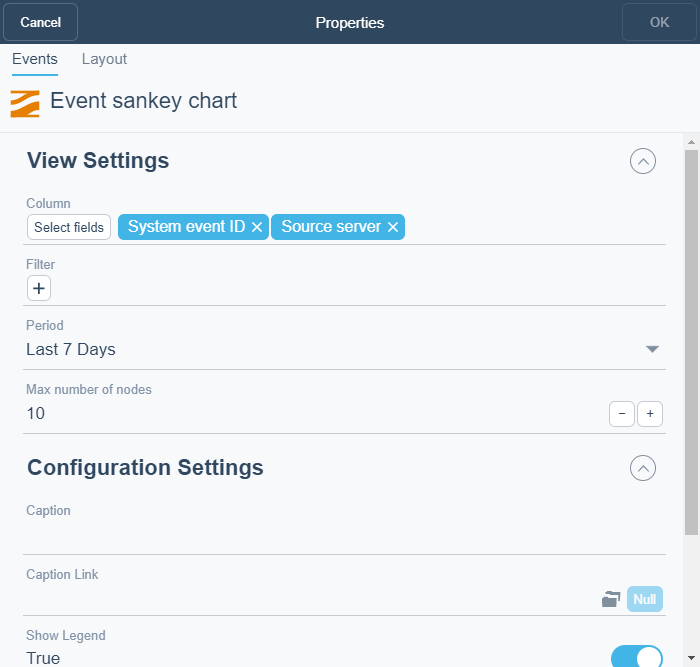
Figure:
Event Sankey chart dialog box
|
Component |
Description |
|
Column |
Select the column(s) you want to display in the widget. |
|
Filter |
Select the filter you want to apply. |
|
Period |
Select the period you want to display. |
|
Max number of nodes |
Select the number of nodes that you want to display in the chart. |
|
Caption |
Type a caption for the widget. |
|
Caption Link |
Select to make a link to an object that is relevant to the values that are displayed in the widget. |
|
Show Legend |
Click True to display the name and color of the trend log in the widget. |
|
Decimals |
Select the number of decimals you want to display. |
 How Dashboards Work
Dashboard Widgets
Widget Dialog Box – Layout Tab
How Dashboards Work
Dashboard Widgets
Widget Dialog Box – Layout Tab