
User Interface
Options Dialog Box – Builder Settings
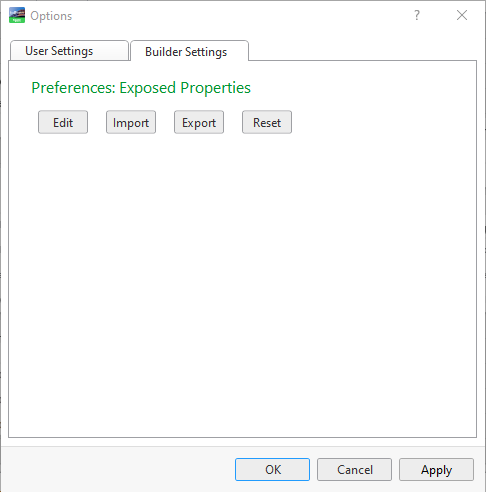
Use the Options dialog box - Builder Settings to manage exposed properties settings in Builder for Application.
|
Component |
Description |
|
Edit |
Click to edit which canvas object properties preferences you want to expose. For more information, see Preferences: Exposed Properties Dialog Box . |
|
Import |
Click to import preferred exposed properties. The imported preferences will be added to your existing saved preferences. For more information, see Preferences: Exposed Properties Dialog Box . |
|
Export |
Click to export your existing saved preferred exposed properties to be able to share them with other users. For more information, see Preferences: Exposed Properties Dialog Box . |
|
Reset |
Click to remove all your existing saved preferred exposed properties and to reset them back to the original default exposed properties. For more information, see Removing Exposed Properties Preferences . |
Preferences: Exposed Properties Dialog Box
Tools Menu
 Removing Exposed Properties Preferences