Log on to rate and give feedback
1
2
3
4
5
Log on to rate
0

How to
Products:
WebStation
Functionalities:
Basic Functionality
Product version:
2.0, 2.1, 3.0, 3.1, 3.2, 3.3, 2022, 2023
5/18/2018
Switching Workspaces in WebStation
You switch workspaces when you want to use another workspace, such as one with predefined functionality.
The workspace in WorkStation is the area where you perform all tasks at your site, such as acknowledging alarms and viewing trend logs.
The workspace is made up of different components like panes, lists, and views. These components can be configured in a number of different ways. You can hide or display components and create and save your own workspace.
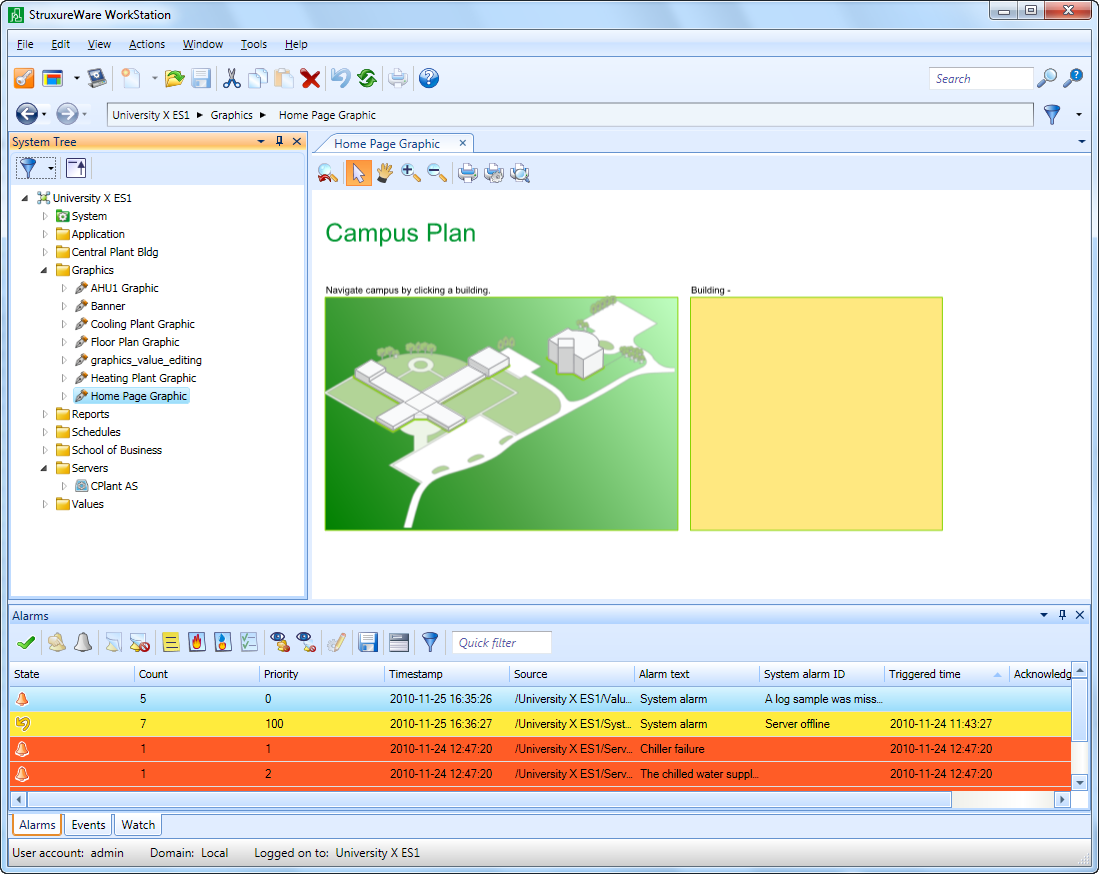
Figure:
The WorkStation workspace
To switch workspaces in WebStation
Click the Settings menu.
Click on the workspace you want to use.
 Workspace
 Settings Menu